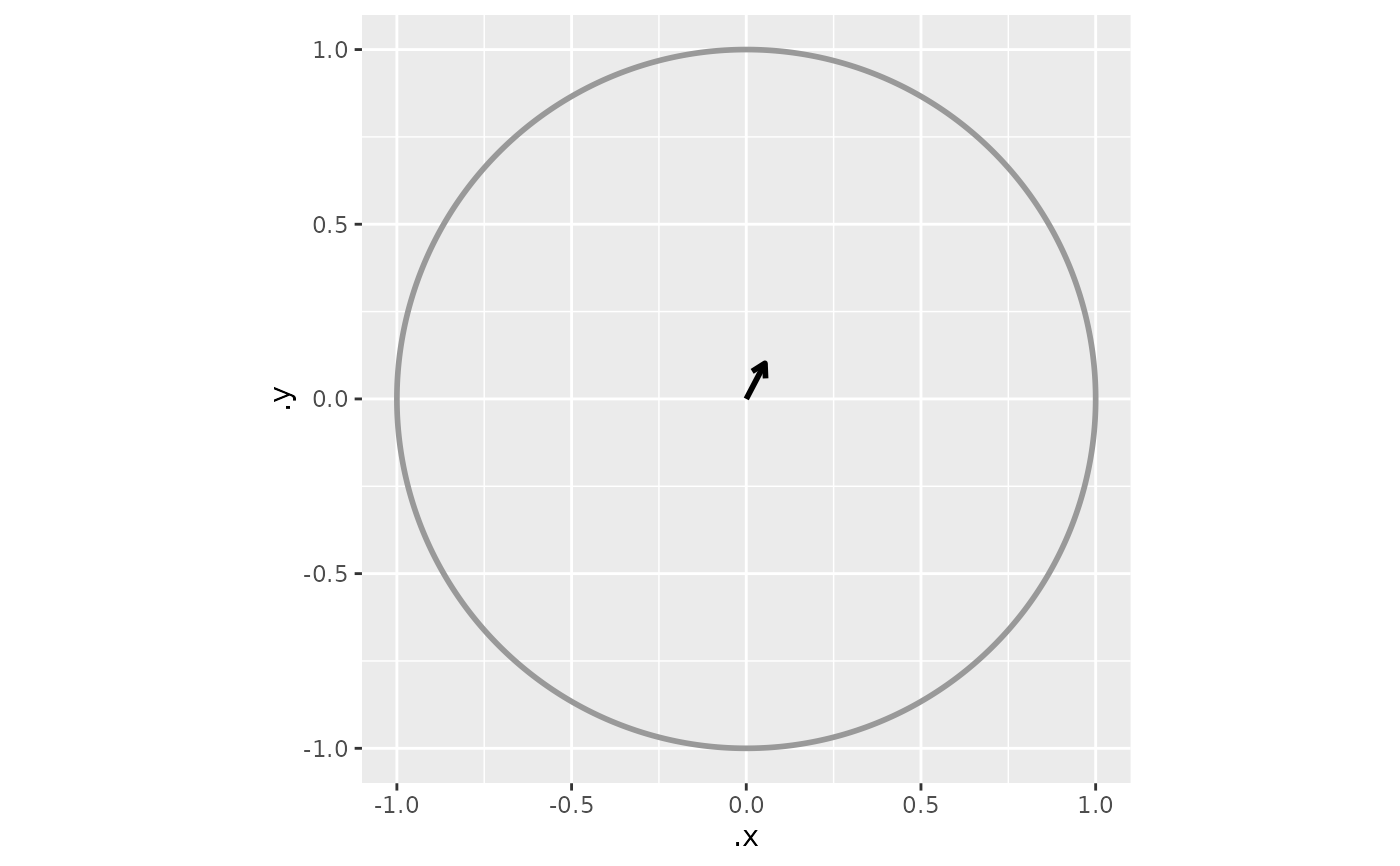
Compute a circular mean arrow and add it to a radial plot in one step
Source:R/circular_plotting.R
add_heading_arrow.RdConvenience wrapper that calls [compute_circ_mean()] followed by [add_circ_mean()]. Use the two-step form directly when you need to inspect or modify the summary data frame before rendering.
Usage
add_heading_arrow(
  headings_df,
  heading_col = "heading",
  colour_col = NULL,
  display = NULL,
  linewidth = 1,
  colour = NULL,
  arrow_length_cm = 0.2,
  axial = FALSE,
  ...,
  color_col = NULL,
  color = NULL
)
Arguments
- headings_df
Data frame with a column of heading angles in radians. [derive_headings()] sets `attr(headings_df, "angle_convention")` and `attr(headings_df, "coords")` automatically.
- heading_col
Name of the column containing heading angles. Default `"heading"`.
- colour_col, color_col
Optional. Name of a column in `summary_df` to map to the colour aesthetic. Ignored when `colour` is also supplied. `color_col` is the American-spelling alias.
- display
A [`circ_display`] object. When `NULL` (default), read from `attr(headings_df, "display")`, falling back to `circ_display()`.
- linewidth
Line width of the arrow segment. Default `1`.
- colour, color
Fixed colour. When `NULL` (default) and `colour_col` is set, colour is mapped from that column; when `NULL` and no `colour_col`, draws in `"black"`. Supplying any colour string always overrides `colour_col`. `color` is the American-spelling alias.
- arrow_length_cm
Arrowhead length in cm. Default `0.2`.
- axial
Logical. Render the overlay for axial (bidirectional, mod-pi) data: the mean is drawn as a double-headed axis through the centre. Default `FALSE`.
- ...
Additional arguments forwarded to `geom_segment` (e.g. `linetype`, `alpha`, or a custom `arrow` spec that overrides the default).
Examples
hd <- derive_headings(cpunctatus[1:5], rule = "distal")
library(ggplot2)
ggplot() +
  coord_fixed() +
  add_circ() +
  add_heading_arrow(hd)